8The alert, and finding it again
An alert says where, what and when, with the picture and a short clip from just before.
On WhatsApp
One message: the site, the kind of alert and the camera; what the AI saw; the time; the rule. With the clip as a video (the picture if there is no clip):
[Oakridge Fuel & Market] Intrusion: Forecourt
Person entered 'Forecourt after hours'
10/27/2026 2:14:07 AM
Rule: Forecourt after hours
By e-mail
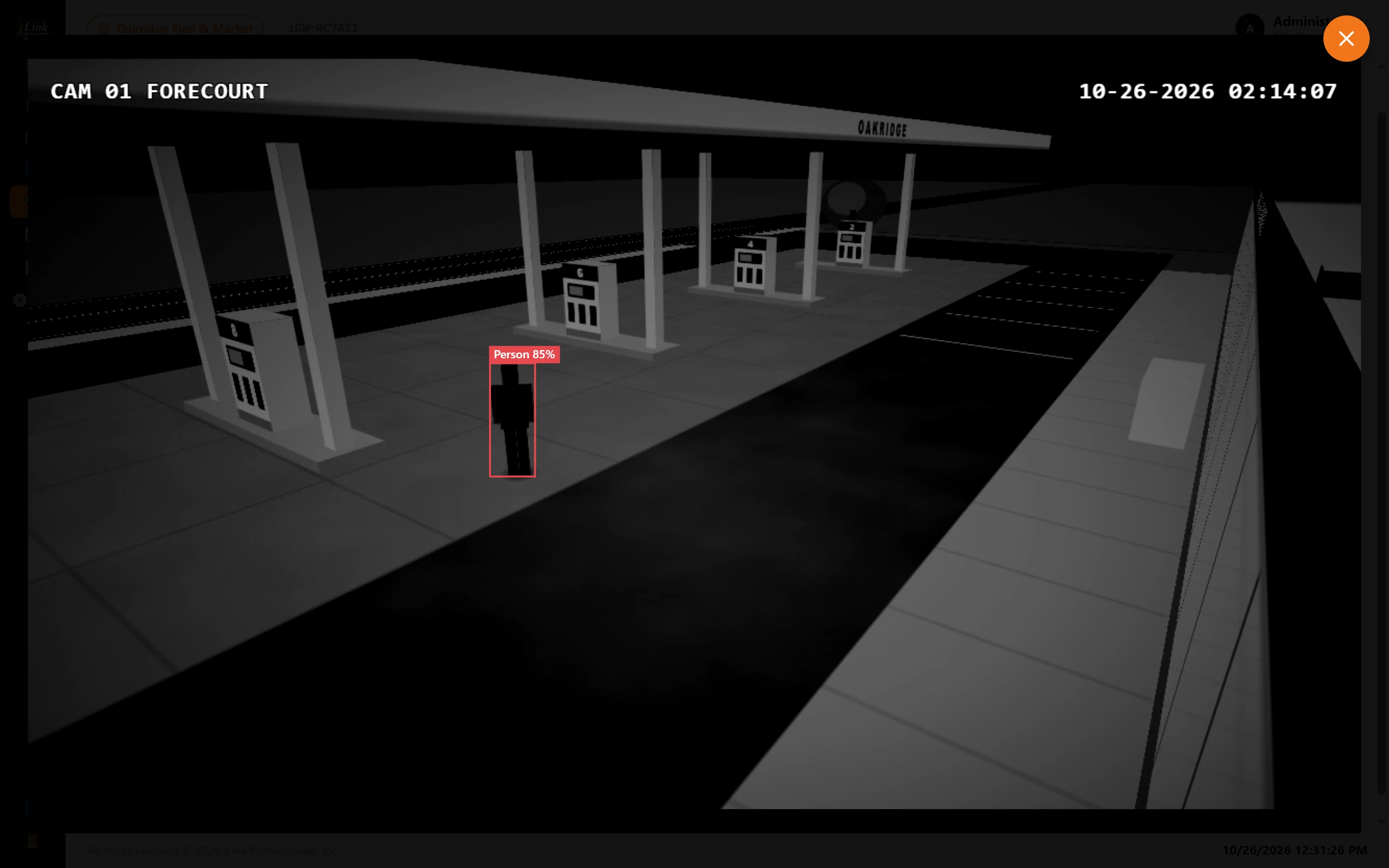
The same subject; a table with the alert, the camera, the time and the rule; the picture attached, with the AI's box and the rule drawn on it; and a Watch the video clip button (or the clip attached).
The clip runs from about 5 seconds before the alert to 10 seconds after, so you see what led to it. Each camera's clips come from its sub-stream by default (Cameras / NVR › Edit › Event clips from).
Search / Logging
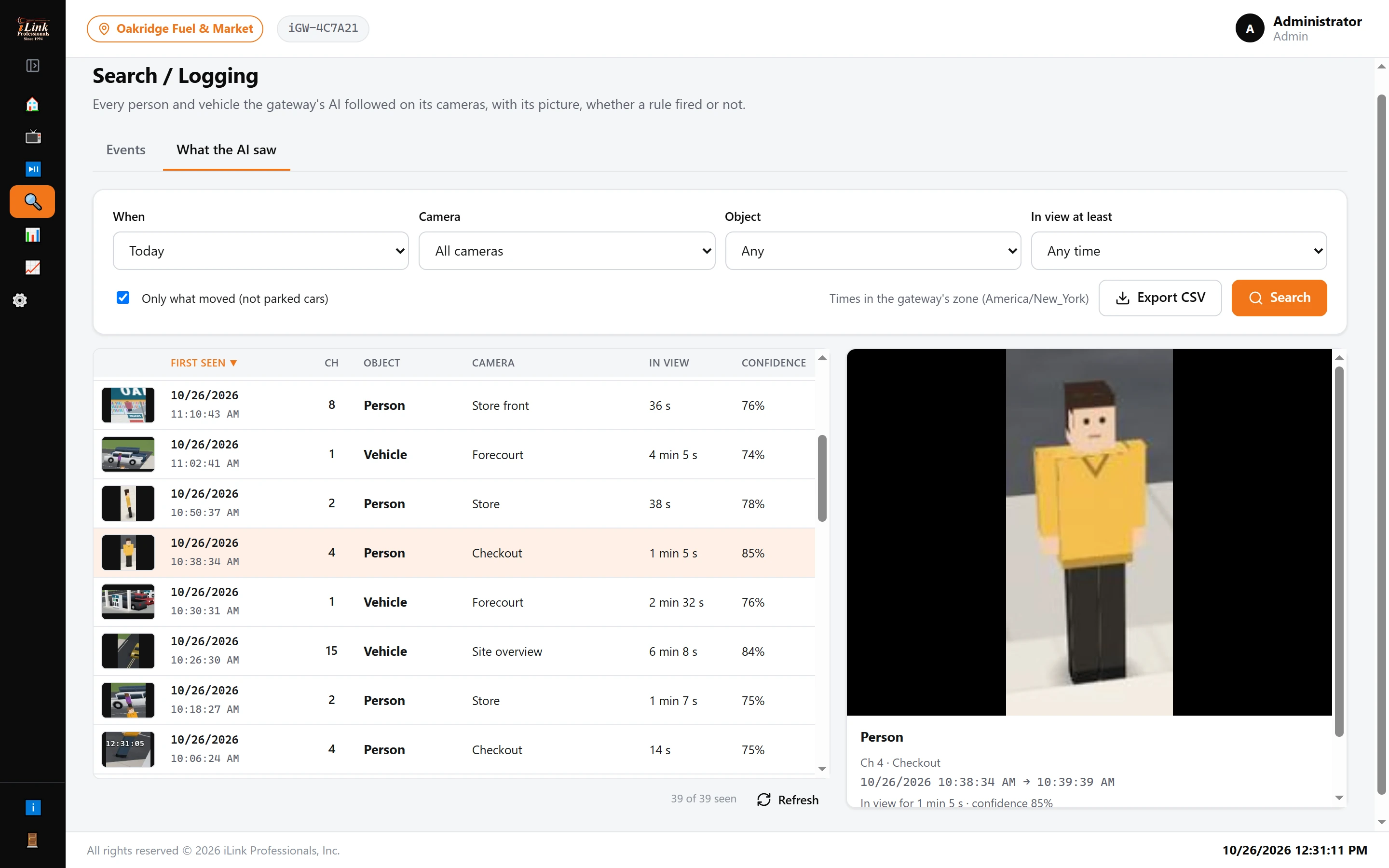
Every alert is kept, sent or not, for 90 days (Keep events and pictures, in Alert Outputs). Search / Logging finds them by time, camera, kind, object, and who detected it (the gateway's AI, a camera or a recorder).
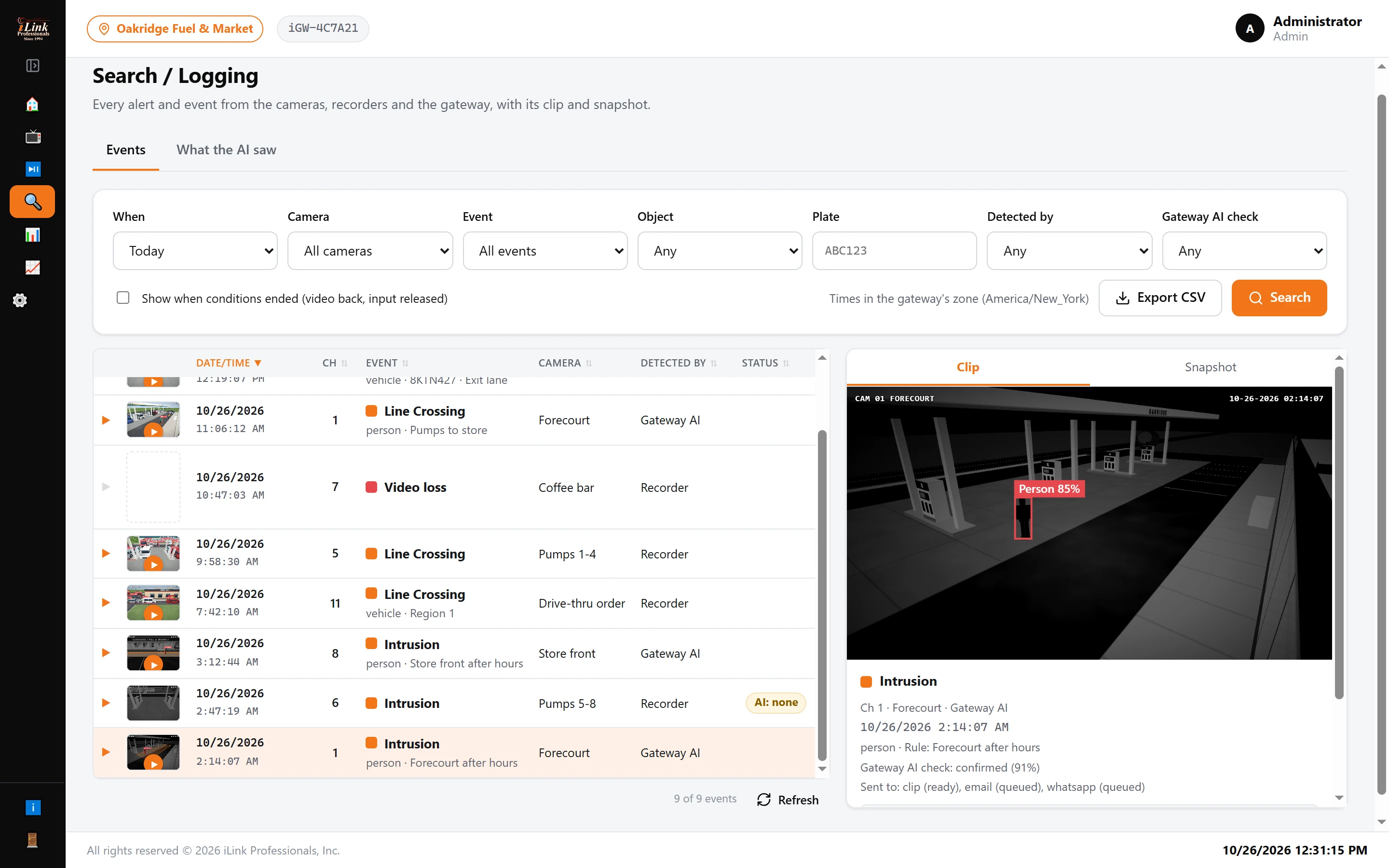
"Sent to: email (queued)" means the gateway has queued it; the Email and WhatsApp tabs show what was delivered. Export CSV downloads the list.