7Where alerts go, and who gets them
Three things to set once: which kinds of alerts go where (Alert Outputs), the e-mail, and WhatsApp. All in Settings › Notifications & Alerts.
Which alerts go where: Alert Outputs
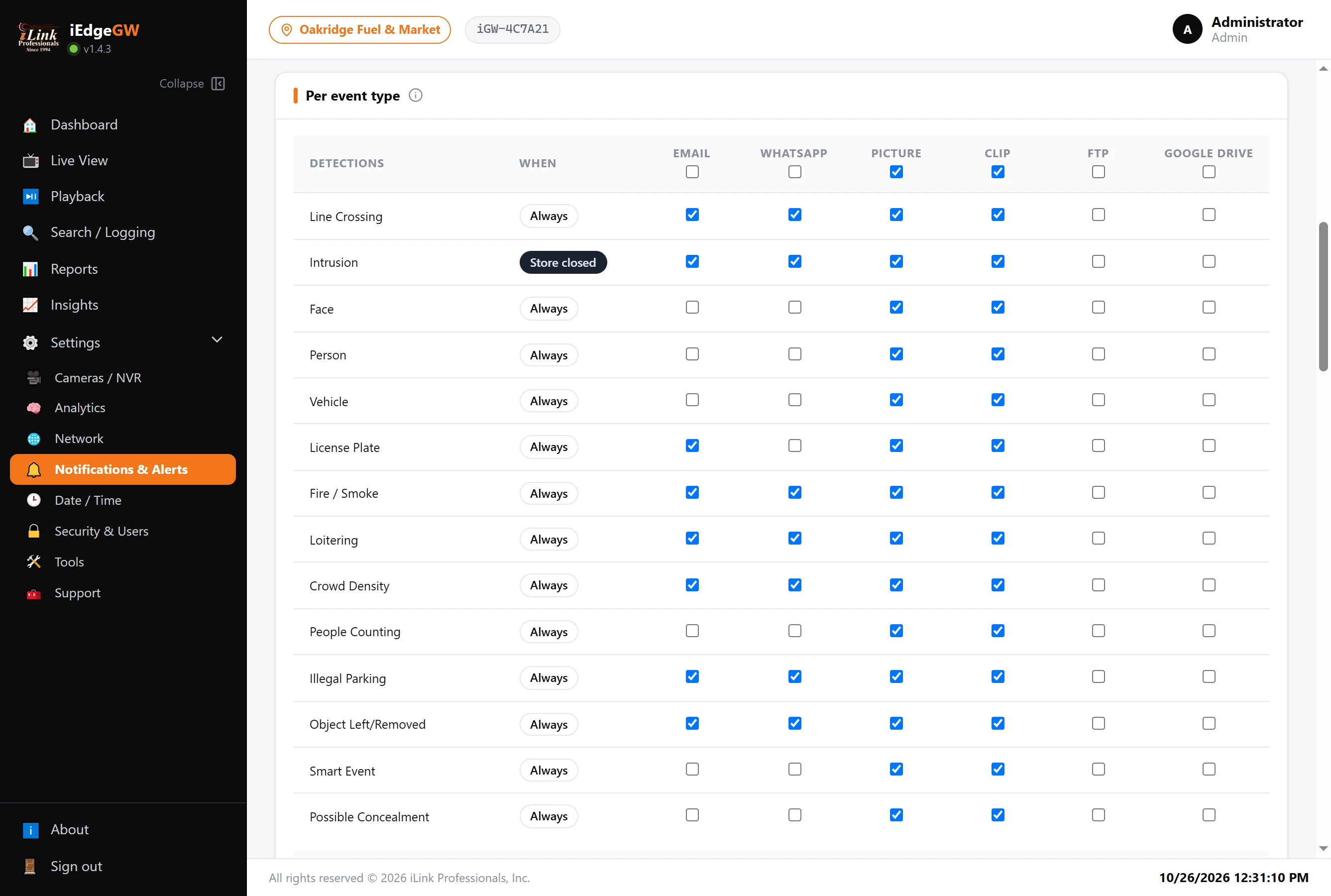
A row for each kind of alert, a column for each way: Email, WhatsApp, Picture, Clip, FTP, Google Drive, and its When (section 6). Each column's header has an All box. Click Save.
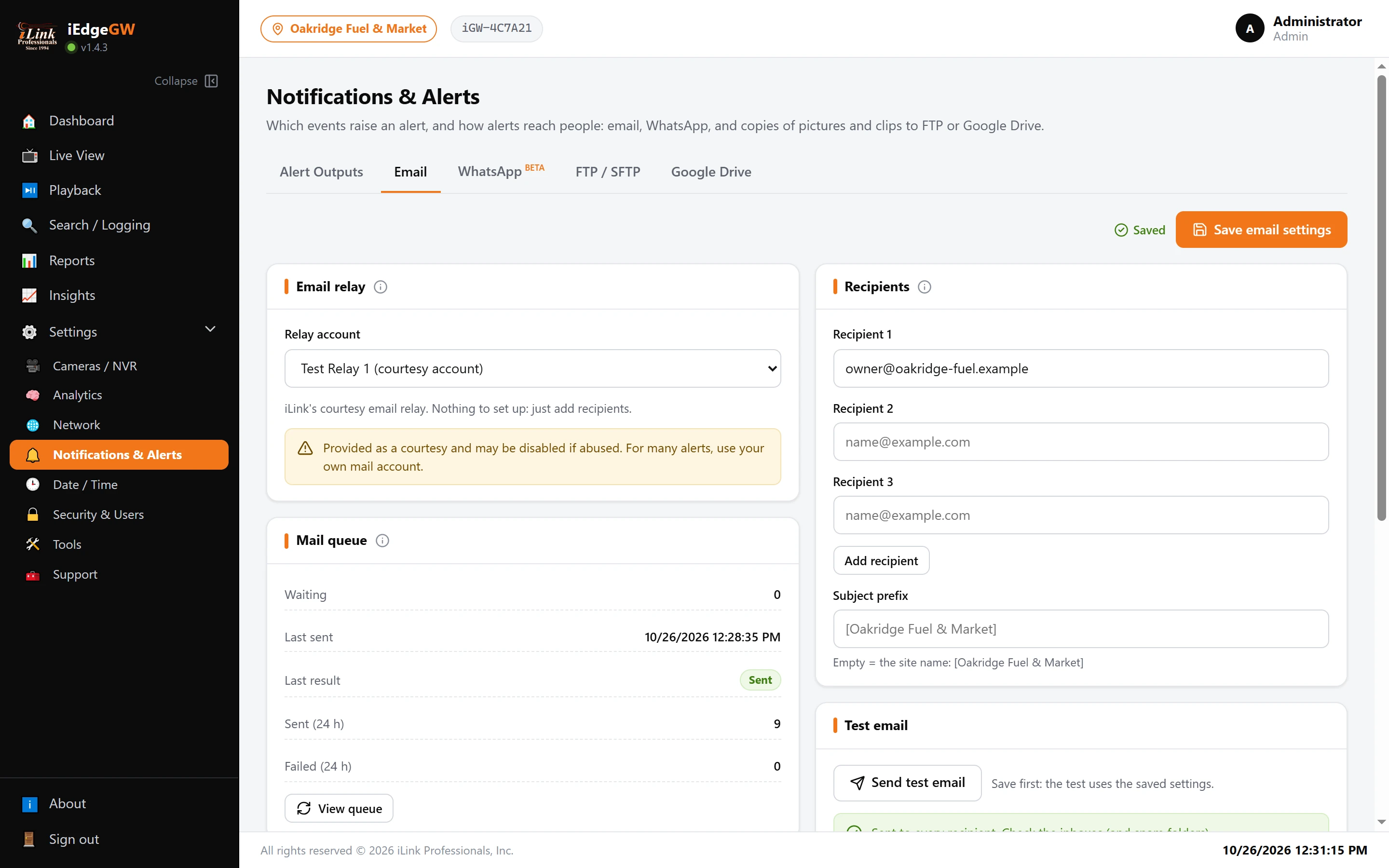
- Relay account: iLink's courtesy relay, or your own (Gmail, Microsoft 365, Yahoo, Outlook.com, GoDaddy, or any SMTP server).
- Recipients: up to 5 addresses.
- Send test email (save first).
- Video clips in alerts: a Link (recommended: opens in the browser with no sign-in, for 7 days) or the clip attached (up to 22 MB).
- Rate limiting: at most one e-mail every 180 s about the same camera and kind of alert, and 25 an hour; the rest wait in the queue.
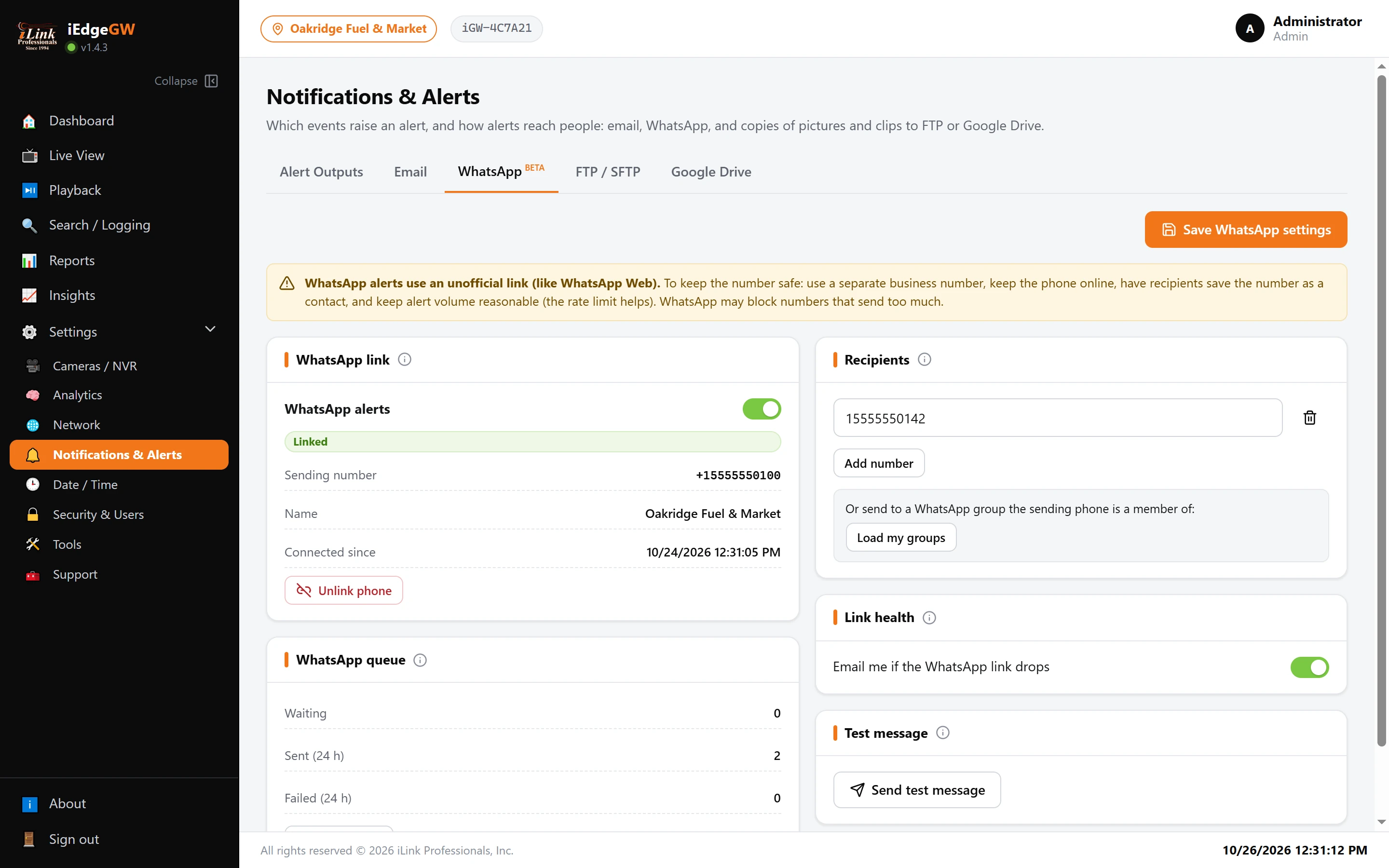
Turn on WhatsApp alerts: a code appears. On the phone that will send the alerts, open WhatsApp › Settings › Linked devices › Link a device and scan it. Then add the Recipients: up to 10 numbers in international format, or WhatsApp groups (Load my groups), and Send test message.
Link health e-mails you if the link drops.
Who gets them: every e-mail recipient and every WhatsApp recipient gets every alert of the kinds ticked for that way. To tell different people about different places, use a WhatsApp group per team.
Copies: the FTP / SFTP and Google Drive tabs keep a copy of each alert's picture, a short note and its clip on your own server or drive.
The site's name in each alert is the Location name in About.