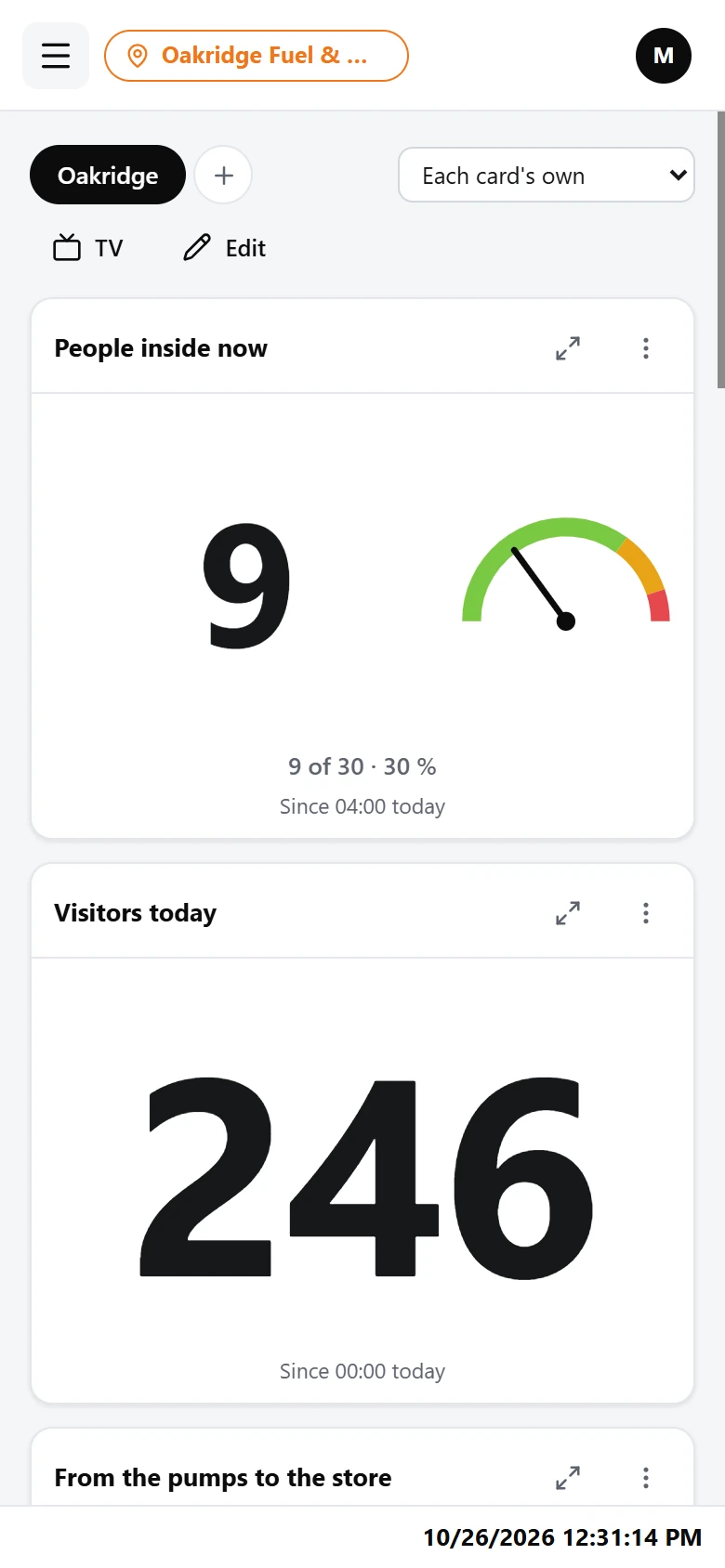
13Every day: TV, phone, full screen
The dashboards update by themselves, every few seconds for live numbers.
TV mode
TV shows the tab full screen on a dark background, sized to fit the screen with no scrolling: for a TV in the office or behind the counter. A TV plugged into the gateway's HDMI port can start straight into a dashboard in TV mode, with no PC (Support › HDMI Output, set up by your installer).
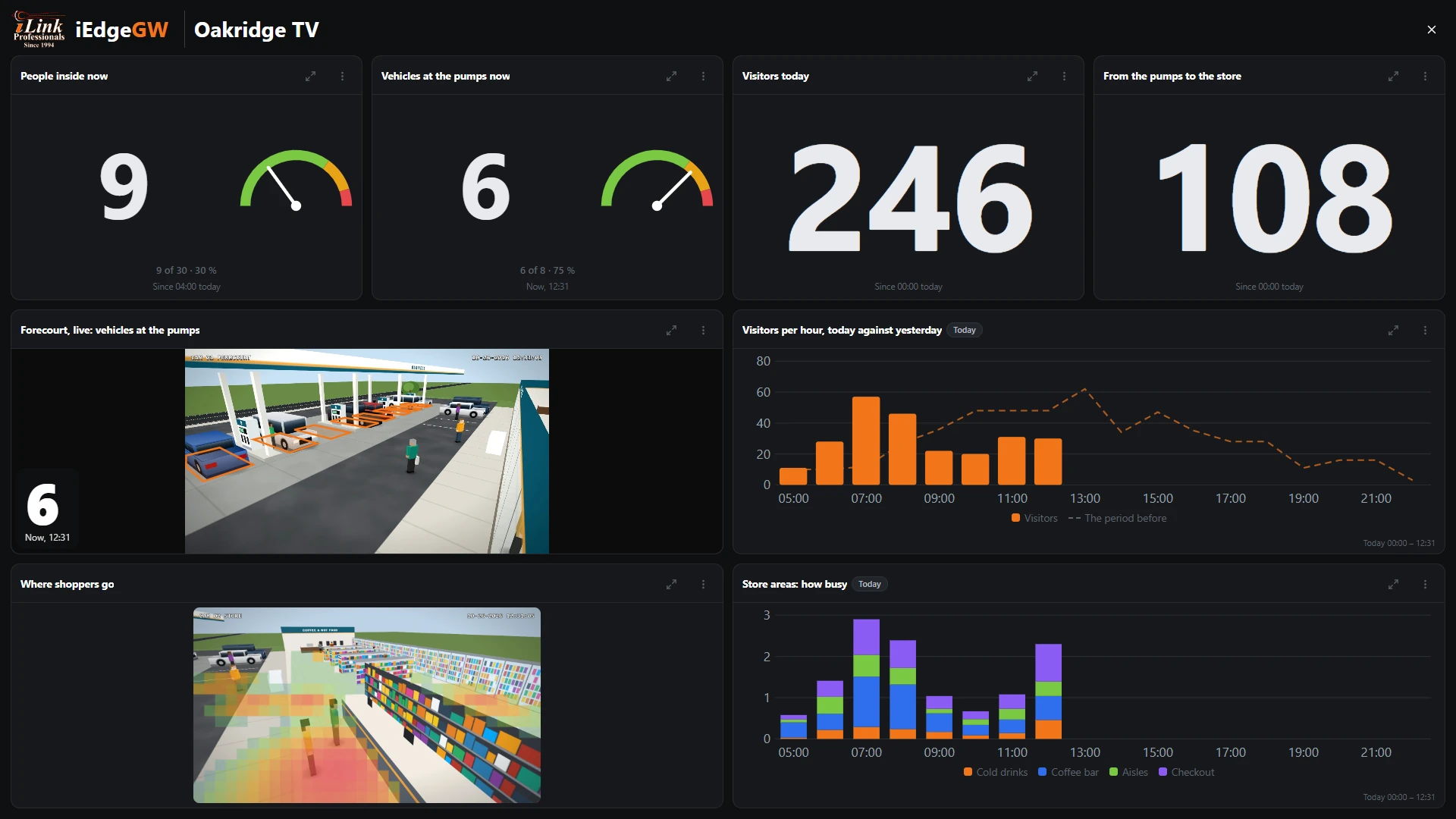
A card full screen
The ⤢ button on a card opens it full screen: a camera with its zones, a heat map, a chart for a meeting. Esc closes it.
On a phone
Sign in to the gateway from the phone's browser, on site or away. The cards stack one under another, in the dashboard's order.
The numbers behind a chart
A card's ⋮ menu downloads what it shows as a CSV file, for a spreadsheet.